

Working with different clients is one of the best things about freelancing. You get to work on different projects, build professional relationships, and control your workload.
However, there are challenges, too.
For example, one client might need a translation by Tuesday. Another could send feedback on a previous project. A third may ask if you’re available next week. At the same time, you might be tracking your hours and wondering whether you’ve sent that overdue invoice.
Does this situation sound familiar?
Managing several clients can make staying organized feel like a job in itself. The good news is you don’t need costly software or complex systems to stay on top of things.
By building a few simple habits and using free tools, you can manage projects, track time, and keep client relationships on track.
Here are some practical tips to help you get started.
1. Keep all your client information in one place

When you work with several clients, important information can easily get scattered across emails, spreadsheets, notes, and messages.
You might remember one client’s preferred file format but forget another’s invoicing requirements. Or you might spend ten minutes searching for a contact’s email address when you need it right away.
Creating a central place for your client information can make a big difference.
You could use a simple spreadsheet to keep track of:
- Client names and contact details
- Preferred communication methods
- Rates and payment terms
- Project requirements and preferences
- Invoice dates and payment status
- Important notes from previous projects
Microsoft Lists is another option if you already have access to Microsoft 365. You can create a client list, add custom columns, sort information, and filter records to find what you need.
A basic spreadsheet can work just as well if you want to keep things simple.
The goal isn’t to build a complicated database. It’s to avoid relying on your memory for important details you may need later.

Microsoft Lists
Best for building a client database with contact details, rates, deadlines, project statuses, and payment records. Create custom columns and different views to suit your workflow.
Cost: Depends on your Microsoft 365 plan.

Notion
Best for keeping client notes, project information, checklists, deadlines, and reference documents together. Create a separate page for each client and build a dashboard showing all your current projects.
Cost: Free. Paid plans available.

Trello
Best for visual project management. Create a board for each client or a single board with columns such as To do, In progress, Waiting for feedback, and Completed.
Cost: Free. Paid plans available.

ClickUp
Best for freelancers who want tasks, documents, project views, and time tracking in one workspace. It offers more features than a basic to-do list, although it may take longer to set up.
Cost: Free. Paid plans available.
Todoist
Best for keeping a straightforward list of client tasks and deadlines. You can organize work into projects, set reminders, and use different views to prioritize your day.
Cost: Free. Paid plans available.
2. Use a task list to keep track of every project

When you have several clients, remembering what to do next can be harder than doing the work.
A task list gives you a clear overview of your workload and helps you avoid missing deadlines.
You can use Microsoft To Do, Microsoft Lists, or even a simple checklist in your notes app. What matters most is having a system you stick with.
For each project, try recording:
- The client and project name
- The task or deliverable
- The deadline
- The current status
- Any next steps or outstanding questions
For example, one project might be waiting for client feedback, another might need proofreading, and a third might not have started yet.
With all your tasks in one place, it’s easier to decide what to focus on first.
You can also use status labels such as Not started, In progress, Waiting for client, and Completed.
It helps to review your task list at the start or end of each workday. This takes only a few minutes and lets you plan ahead instead of always reacting to new requests.
Microsoft OneNote
Organize notes into notebooks and sections, with a separate section for each client. Useful for storing style preferences, meeting notes, and recurring instructions.
Cost: Free app with additional features through Microsoft 365.

Google Keep
Great for quick notes, checklists, reminders, and ideas. It’s particularly useful for capturing information on your phone before organizing it properly later.
Cost: Free.

Obsidian
A good option for freelancers who want to build a personal knowledge base. Link notes together to connect clients, projects, research, and useful resources.
Cost: Free for personal use. Paid plans available.
3. Make notes after important conversations

Not every client communicates in the same way.
One might prefer short emails, while another wants detailed updates. One may prefer specific terminology, while another regularly requests changes to formatting or tone.
These details are easy to forget, especially if you haven’t worked with a client for a few weeks.
Taking brief notes after important conversations helps you track what you discussed and agreed on.
You can use Microsoft OneNote, Apple Notes, Google Keep, or another note-taking app you already use.
Create a separate section for each client and record useful information such as:
- Style preferences and recurring instructions
- Feedback from previous projects
- Agreed deadlines and scope changes
- Questions that still need answering
- Ideas for improving future collaboration
If you’re a linguist, these notes are especially helpful when clients have specific terminology, style guides, or formatting needs.
Just remember to keep confidential information secure and follow your clients’ data protection requirements. Avoid putting sensitive project content into personal notes apps that haven’t been approved for that purpose.
You don’t have to record every conversation. Just note the details that will help you work more efficiently in the future.

Clockify
Track hours against different clients and projects using a timer or manual entries. Useful for freelancers who need to record billable and non-billable work.
Cost: Free. Paid plans available.
Toggl Track
A simple time tracker for recording how long you spend on different projects. Reports can help you understand your workload and estimate future projects more accurately.
Cost: Free for individuals. Paid plans available.

My Hours
Track time by client, project, and task, with reporting to show how your hours are distributed.
Cost: Free. Paid plans available.

Harvest
Particularly useful when you want to connect time tracking with project budgets and invoicing instead of recording hours separately.
Cost: Limited free plan. Paid options available.
4. Track your time, even when you don’t charge by the hour

Time tracking isn’t just for freelancers who charge hourly rates.
Knowing how long different tasks take helps you understand your workload, price future projects more accurately, and see which clients or activities take up most of your day.
For example, a translation project might seem straightforward until you include research, terminology checks, revisions, emails, and file preparation.
If you only track the time spent translating, you might not realize how much extra work the project really takes.
Free time-tracking tools like Clockify or Toggl Track can help you log time against individual clients or projects. You can also use a spreadsheet if you’d rather keep everything in one place.
Try tracking activities such as:
- Translation, editing, or proofreading
- Research and terminology work
- Client meetings and emails
- Project administration
- Invoicing and follow-ups
After a few weeks, review what you’ve tracked.
Are some projects taking longer than expected? Are you spending more time on administration than you realized? Are you regularly doing unpaid work that should be included in your rates?
A small workflow change can save you several hours each month.
You don’t need to track every minute forever. Even tracking your time for a short period can help you understand your work habits better.

Zoho Invoice
Create professional invoices, manage customers, track payments, and set up payment reminders. Worth considering if you want invoicing software without a monthly subscription.
Cost: Free. Paid plans available.
Keepr
A UK-focused option combining invoicing, expense tracking, projects and time tracking. It may suit sole traders who want to manage more of their freelance administration in one place.
Cost: Free. Paid plans available.

Bonsai
Designed for freelancers who want client management, proposals, contracts, project tracking, time tracking, and invoicing in one system.
Cost: Paid plans. Check for any available free trials.

Invoice Ninja
Offers invoicing, quotes, payment tracking, and other business features. It also has an open-source option for technically confident users who want more control over their setup.
Cost: Free. Paid plans available.
5. Give every client a clear place in your calendar
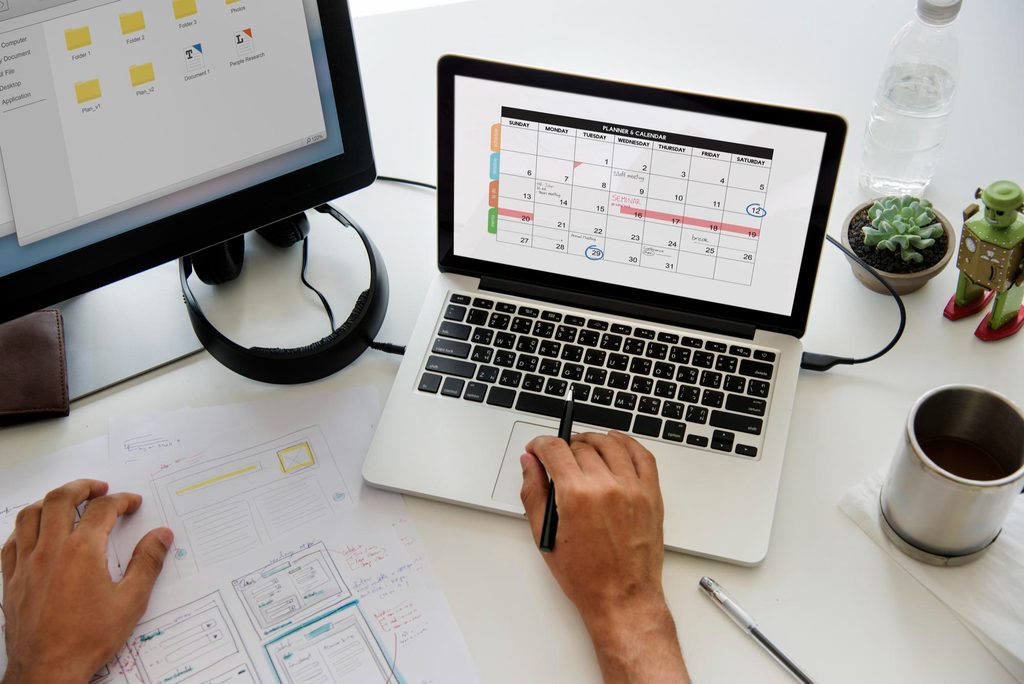
Your task list tells you what needs doing. Your calendar helps you decide when to do it.
When you’re juggling several clients, it’s easy to fill your day with small requests and leave too little time for larger projects.
A calendar helps you plan a realistic workload and set aside time for focused work.
You could use Outlook Calendar, Google Calendar, or another free calendar tool to schedule:
- Project deadlines and delivery dates
- Dedicated work sessions
- Client calls and meetings
- Time for administration and invoicing
- Breaks and time away from work
It also helps to set your own deadlines before the client’s actual due date.
If a project is due on Friday, aim to finish it earlier if possible. That gives you some breathing room if another client sends an urgent request or a task takes longer than expected.
Be sure to leave some space between projects. A packed calendar may feel productive, but it leaves little flexibility if something unexpected comes up.
If you work with clients in different time zones, double-check that your calendar shows meeting times correctly. Small scheduling mistakes can cause unnecessary stress.

Calendly
Let clients book meetings based on your availability instead of exchanging several emails to find a suitable time.
Cost: Free basic plan. Paid upgrade available.
Google Drive
Store and organize project files, share documents, and collaborate on files when clients are happy to use Google’s tools.
Cost: Free. Paid plans available.

Dropbox
Another option for storing, syncing, and sharing project files. It can be particularly helpful when working with large files or clients who already use Dropbox.
Cost: Limited free plan. Paid plans available.

Slack
Useful when a client prefers ongoing project discussions in channels rather than long email threads. It suits clients or teams that actively use Slack more than every individual client relationship.
Cost: Free. Paid plans available.
6. Set up reminders for the things you tend to forget
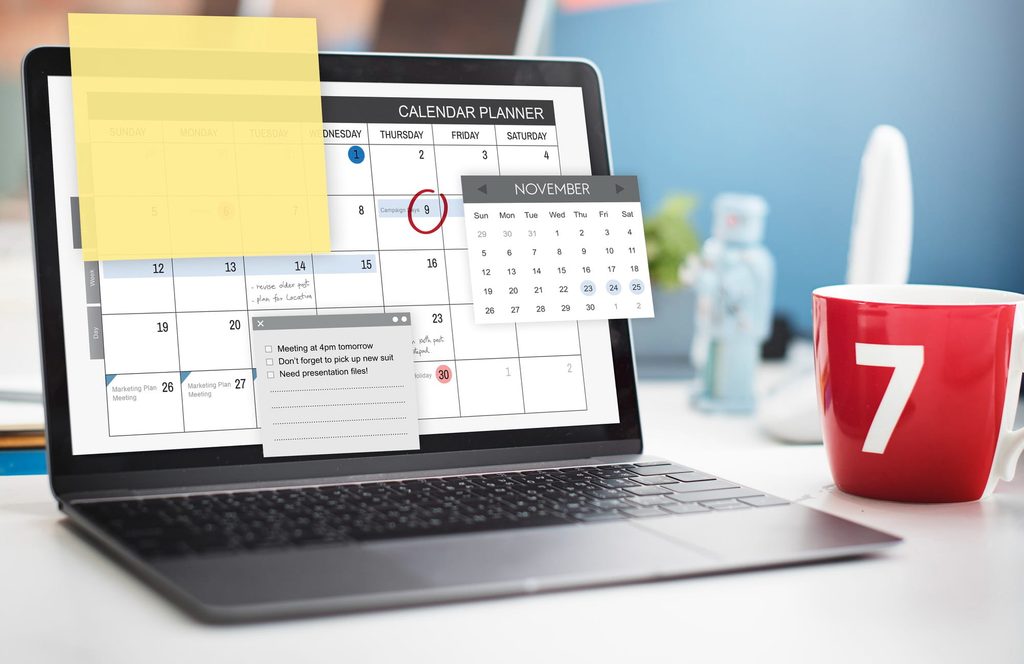
Some freelance tasks aren’t urgent until suddenly they are.
Following up on an unpaid invoice, checking whether a client has approved a project, renewing a subscription, or preparing for an upcoming deadline can all slip through the cracks when you’re busy.
Reminders help you stay on top of these smaller tasks so you don’t have to keep them in your head.
You can use Microsoft To Do, Google Calendar, or your phone’s reminders app to schedule recurring tasks and follow-ups.
For example, you could set reminders to:
- Follow up on an invoice a few days after its due date
- Check in with a client who hasn’t approved a deliverable
- Review upcoming deadlines every Monday
- Send invoices at the end of each month
- Update your project records after completing a job
You can also create reusable checklists for tasks you repeat regularly.
A project completion checklist might include delivering the files, confirming receipt, recording the time spent, updating your task list, and preparing the invoice.
Once you’ve created the checklist, you can use it for every relevant project instead of trying to remember each step.
Simple reminders like these can help you appear more professional and make running your business less stressful.
7. Keep client communication organized
When you work with multiple clients, communication can quickly become confusing.
An important instruction might be buried in an old email thread. A client might send a project update through a different channel, or you might forget to reply because you’re focused on another deadline.
You don’t always need a new communication tool. Often, a few simple rules are enough.
Try to:
- Keep project discussions in a consistent place wherever possible.
- Use clear email subject lines that include the client or project name.
- Confirm important instructions and deadline changes in writing.
- Let clients know when they can expect a response or delivery.
- Set realistic expectations about your availability.
If a client sends a new request while you’re busy, you don’t have to drop everything to handle it right away.
Acknowledge the message when appropriate, check your existing commitments, and confirm when you can take on the work.
This helps you manage expectations without overloading your schedule.
Set boundaries for your working hours. Freelancing doesn’t mean you need to be available to clients all the time.
Clear communication helps clients understand how you work and makes it easier to protect your time.
8. Choose a few tools instead of trying everything

Plenty of apps are designed to help freelancers manage their businesses. The challenge is working out which ones you actually need.
It’s tempting to sign up for several tools, build elaborate dashboards, and spend hours trying to create the perfect system.
But managing too many tools can just add another task to your list.
Start with the problems you want to solve.
If you keep forgetting deadlines, try a task manager. If client information is scattered everywhere, create a central spreadsheet or list. If you’re unsure how long projects take, start tracking your time.
You might find that a simple combination of tools is all you need:
- Microsoft Lists or a spreadsheet: Keep client details and project records in one place.
- Microsoft To Do: Manage tasks, deadlines, and reminders.
- OneNote or another notes app: Record client preferences and useful information.
- Outlook or Google Calendar: Plan your schedule and protect time for focused work.
- Clockify or Toggl Track: Understand how you’re spending your working hours.
Some of these tools offer free plans, while others may require a subscription for certain features. Check what’s included before choosing a tool, and make the most of the software you already have.
You don’t have to use every tool on this list. Choose one or two that address your main challenges and build from there.
Make managing multiple clients easier
Working with different clients can be rewarding, but it also means juggling many moving parts.
Projects, deadlines, emails, invoices, preferences, and follow-ups can quickly become overwhelming if you’re trying to remember everything yourself.
You don’t have to work longer hours or buy more software. Often, setting up a few simple systems can make your workday much easier.
Start by choosing one area where you regularly lose time. Maybe it’s searching for information, planning your workload, or remembering to follow up with clients.
Find a simple way to manage that task and give yourself time to adjust before adding anything new.
Over time, these small improvements can cut down on admin and free up more time for the work you enjoy.
You don’t need a perfect system to stay organized as a freelancer. You just need one that works for you.